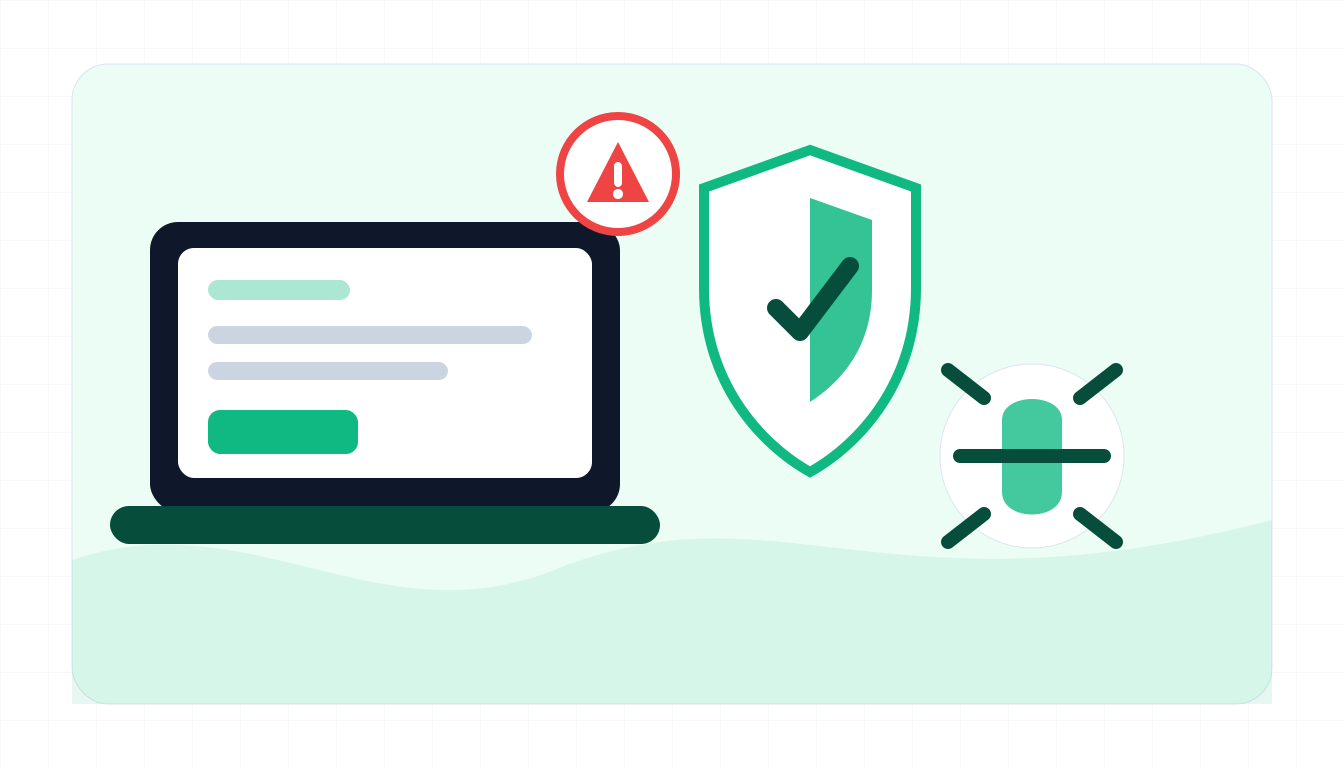
Typical red flags
Fake antivirus messages often appear inside the browser, not from real installed software.
- A website claims it scanned your device and found many viruses.
- The warning uses all caps, countdowns, sirens, or claims banking data is exposed.
- It pushes an unknown download, browser extension, mobile profile, or cleanup app.
- The brand name is misspelled or the domain is not the official vendor.
- It asks you to call a support number or allow remote access.
- It demands payment, gift cards, or subscription renewal through a strange page.
- Browser notifications keep appearing after visiting unrelated sites.
What to do if you already fell for it
Remove suspicious software and secure accounts from a trusted device.
- Close the browser tab and do not call numbers shown in the pop-up.
- Uninstall unknown antivirus, cleaner, browser extension, or remote access software.
- Run a scan with trusted security software downloaded from the official vendor.
- Change passwords if you entered logins or allowed remote access.
- Contact your bank or card issuer if you paid for fake software.
- Disable suspicious browser notifications and clear site permissions.
- Save receipts, URLs, app names, and screenshots for reporting.
Example: scareware scan
Input
WARNING: 27 viruses found on your Mac. Click CLEAN NOW to install SecureShield Antivirus.
What to notice
- A website cannot reliably scan your whole device from a pop-up.
- The warning uses fear around banking data.
- The download prompt may install unwanted or malicious software.
Fake antivirus FAQ
Can a website know my computer has viruses?
A random website cannot perform a trustworthy full-device malware scan. Browser pop-ups that claim exact infection counts are suspicious.
What if browser notifications keep showing virus alerts?
Remove notification permission for the suspicious site in browser settings and run a trusted security scan.
Is scareware the same as malware?
Scareware uses fear to make you install or pay. It may be merely unwanted software, but it can also deliver malware or remote access tools.
What should I paste into ScamSpot?
Paste the warning text, renewal message, download prompt, support number, or suspicious URL. Do not paste passwords or license keys.