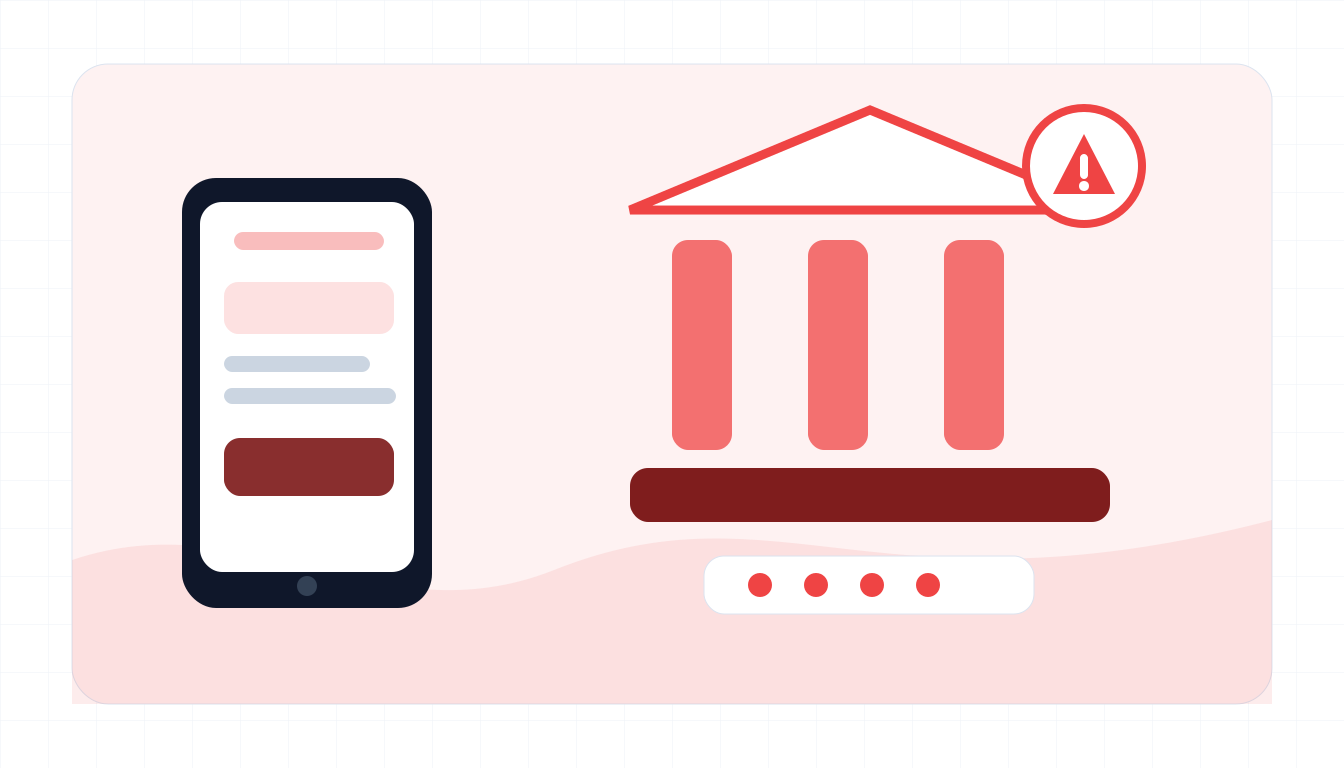
Typical red flags
Fraud alerts can be real, but you should verify them through official channels you choose.
- The message includes a login or verification link instead of telling you to use the official app.
- They ask for a one-time passcode, PIN, password, card number, or CVV.
- The caller says money must be moved to a safe account.
- Caller ID or SMS sender looks like the bank but the link domain does not.
- You are told not to hang up, not to call the bank, or not to tell anyone.
- The alert creates an urgent deadline around a transfer, card lock, or account closure.
- They ask you to install an app or share your screen.
What to do if you already fell for it
Contact the bank through verified channels as fast as possible.
- Call the number on the back of your card or use the official bank app.
- Ask the bank to freeze cards, review transfers, and secure online banking.
- Change banking and email passwords from a clean device.
- Enable or reset two-factor authentication if your account supports it.
- Save texts, call logs, phone numbers, URLs, and screenshots.
- Report the spoofed message to your carrier, bank, and local fraud authority.
- Monitor statements and credit reports for follow-up identity misuse.
Example: fake fraud alert
Input
A transfer was attempted from your account. Verify immediately and reply with the 6-digit code.
What to notice
- The message creates urgency around a bank transfer.
- It asks for an OTP, which can let the scammer log in or authorize a payment.
- Use the bank app or official phone number instead of the link.
Bank impersonation FAQ
Can scammers spoof a real bank phone number?
Yes. Caller ID and SMS sender names can be spoofed, so use the official app or the number on your card to verify.
Should I ever share a one-time passcode?
No. Treat one-time codes like passwords. A bank should not need you to read an OTP to them from an unexpected call or text.
What is a safe account scam?
The scammer claims your money is at risk and tells you to move it to another account. The destination is controlled by the scammer.
What should I paste into ScamSpot?
Paste the bank alert, sender line, link, call script, or payment instructions. Do not paste real account numbers, passwords, or OTPs.