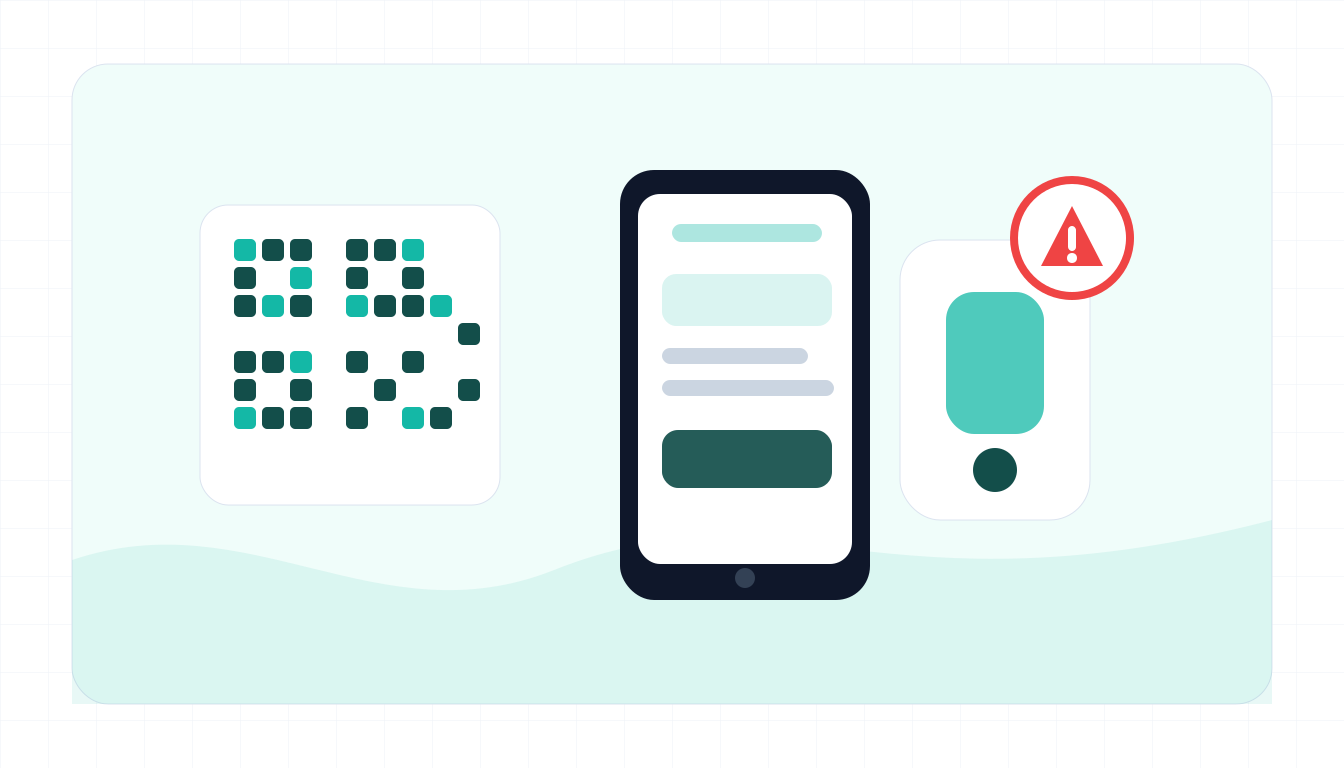
Typical red flags
A QR code is not safe just because it is printed in a public place.
- A QR sticker is placed over another code or looks tampered with.
- The destination domain does not match the restaurant, city, venue, or payment provider.
- The page asks for card details, account login, or one-time codes unexpectedly.
- The URL is shortened or hides the real domain.
- The prompt creates urgent fines, towing, account lockout, or payment deadlines.
- The page asks you to download an app, profile, or security tool.
- The design looks like a copied brand but the browser address is unrelated.
What to do if you already fell for it
Respond based on what you entered after scanning.
- Contact your card issuer if you entered payment details.
- Change passwords if you entered login credentials.
- Report the fake QR sticker or sign to the venue, parking operator, or city.
- Save photos of the QR code, URL, receipts, and screenshots.
- Delete any app, profile, or file installed from the QR destination unless verified.
- Monitor accounts for unauthorized payments or login attempts.
- Use the official app or website for future payments.
Example: fake parking QR
Input
Pay parking ticket now at city-parking-pay.example to avoid a $75 late fee.
What to notice
- The message uses urgency around a fine.
- The domain may not be the official city or parking provider.
- Card entry after an unknown QR scan is high risk.
QR code scam FAQ
What is quishing?
Quishing is phishing delivered through a QR code. The QR code sends you to a page that tries to steal money, logins, or personal data.
How can I preview a QR destination?
Many phone cameras show the URL before opening it. Read the domain carefully and cancel if it looks unrelated or shortened.
Are restaurant menu QR codes unsafe?
Many are legitimate, but watch for stickers placed over real codes and pages that ask for payment or login details when you only expected a menu.
What should I paste into ScamSpot?
Paste the URL shown after scanning, the sign text, the payment prompt, or the email that included the QR code.