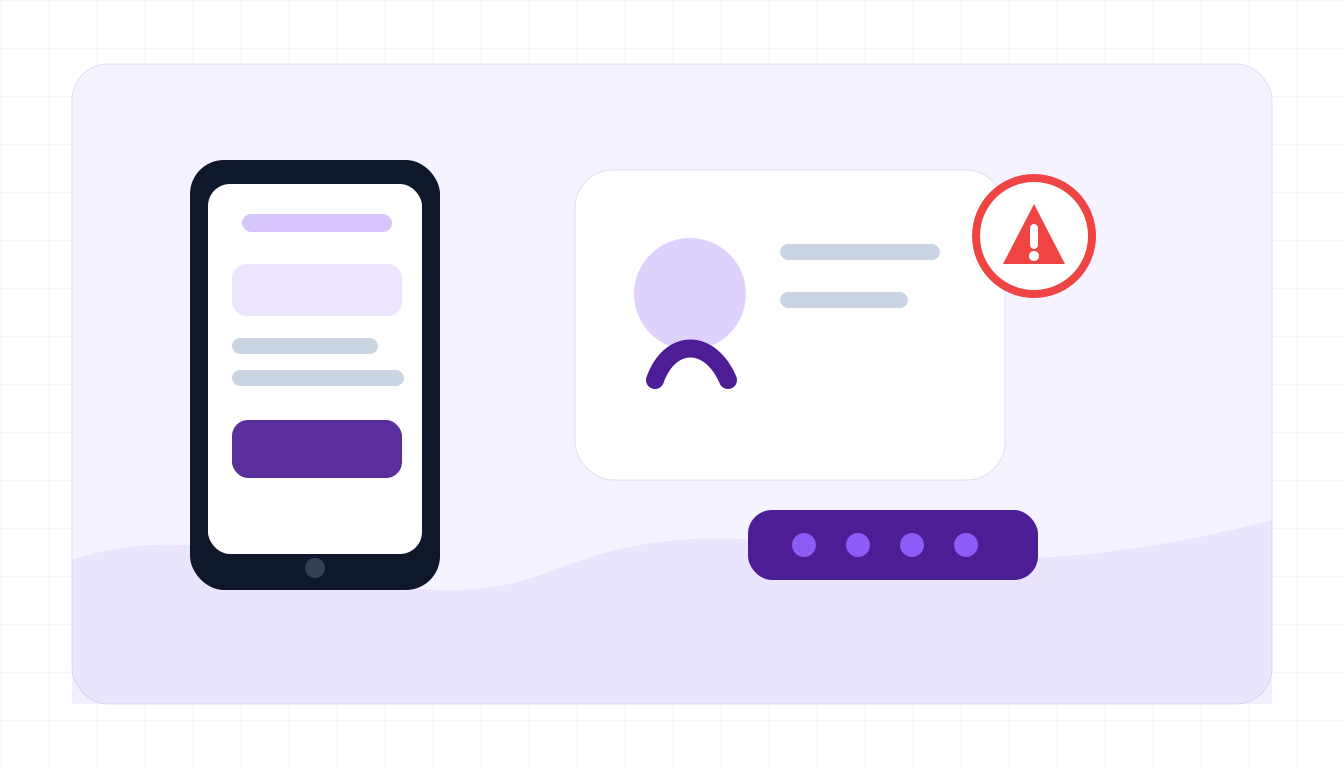
Typical red flags
The message may come from a real friend's compromised account, so verify outside the platform.
- They ask for a one-time code, login code, reset link, or screenshot.
- They say a code was sent to you by mistake.
- A friend suddenly asks you to vote, verify, or click a contest link.
- The link opens a fake Instagram, Facebook, TikTok, X, Discord, or email login.
- The sender creates urgency or says they will lose the account soon.
- They ask you to change your email, phone, or two-factor settings.
- The writing style does not match the person you know.
What to do if you already fell for it
Move quickly to recover the account and warn contacts.
- Use the platform's official account recovery flow immediately.
- Change your password and enable two-factor authentication from a clean device.
- Remove unknown emails, phone numbers, apps, and active sessions.
- Warn close contacts not to trust messages sent from your account.
- Save screenshots, login alerts, and suspicious links.
- Report the hacked account or impersonation to the platform.
- Change reused passwords on email and other important accounts.
Example: code sent by accident
Input
I sent a code to your phone by accident. Screenshot it and send it to me quick.
What to notice
- The sender asks for a one-time code.
- The urgency makes normal verification harder.
- The code likely controls your own account reset or login.
Social media account hack FAQ
Can a DM from a real friend be a scam?
Yes. Your friend's account may already be compromised. Verify by calling or messaging them through another channel.
Should I ever share a login code?
No. Login and reset codes should never be shared, even with friends, support agents, or brands.
What if I clicked a fake login link?
Change your password from the official app or website, enable two-factor authentication, and review active sessions.
What should I paste into ScamSpot?
Paste the DM, vote request, brand collaboration message, reset request, or suspicious link. Do not paste real login codes.