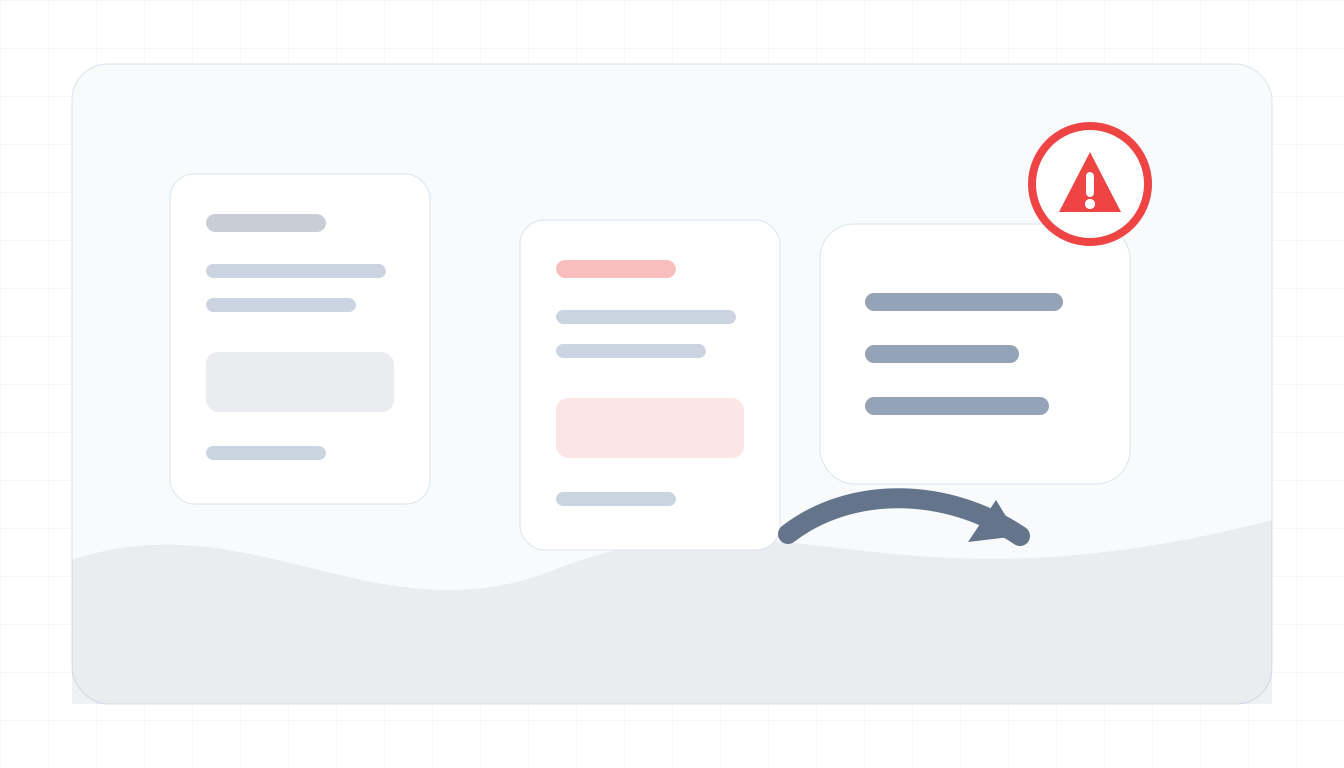
Current MVP boundaries
These choices reduce privacy and security risk while the product is early.
- No PDF upload in v1.
- No saved checks or audit log in the free MVP.
- Structured rules checker runs client-side.
- Optional email text should be redacted before use.
- Output is risk indicators only, not legal, forensic, or compliance advice.
Future paid features
Paid features should add security before storage.
- Saved checks and audit logs.
- PDF reports.
- Team templates and AP fraud SOP kit.
- Access controls, retention settings, and export history.
Security and Privacy FAQ
Does ScamSpot verify bank account ownership?
No. It does not validate account ownership, vendor identity, or invoice authenticity.
Can I paste confidential invoice data?
You should redact account numbers, tax IDs, private customer details, and secrets before pasting optional text.